Disclosure: we own CreatorFrames. AI Beta Tester and CreatorFrames have the same owner. We tested it the same way we test everything else and kept the problems in, but you should know that before you read on.
The CreatorFrames Image Canvas Composer is a free browser editor for layering images and exporting the result at the base image’s full resolution. We covered its launch in CreatorFrames’ New Canvas Editor. This time we gave it a hands-on test on November 5, 2026, in desktop Chrome and a phone-sized window.
How we tested
- Opened the Tools page and the editor without logging in.
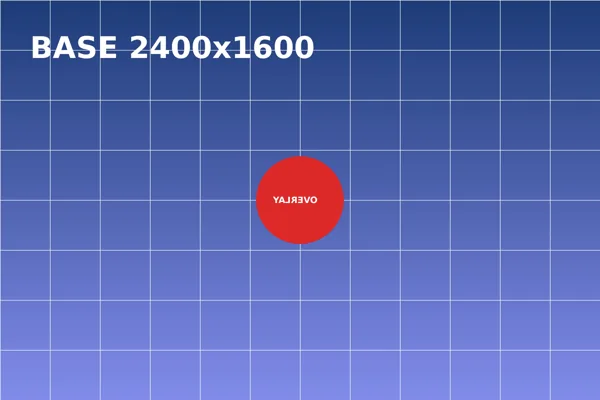
- Set a 2400 by 1600 px JPEG test graphic as the base image.
- Added an 800 by 800 px PNG overlay (a red circle on a white square).
- Flipped the overlay, removed its white background, and exported a PNG.
- Checked the exported file’s size and transparency.
- Loaded the editor on a 390 px wide screen.
First visit
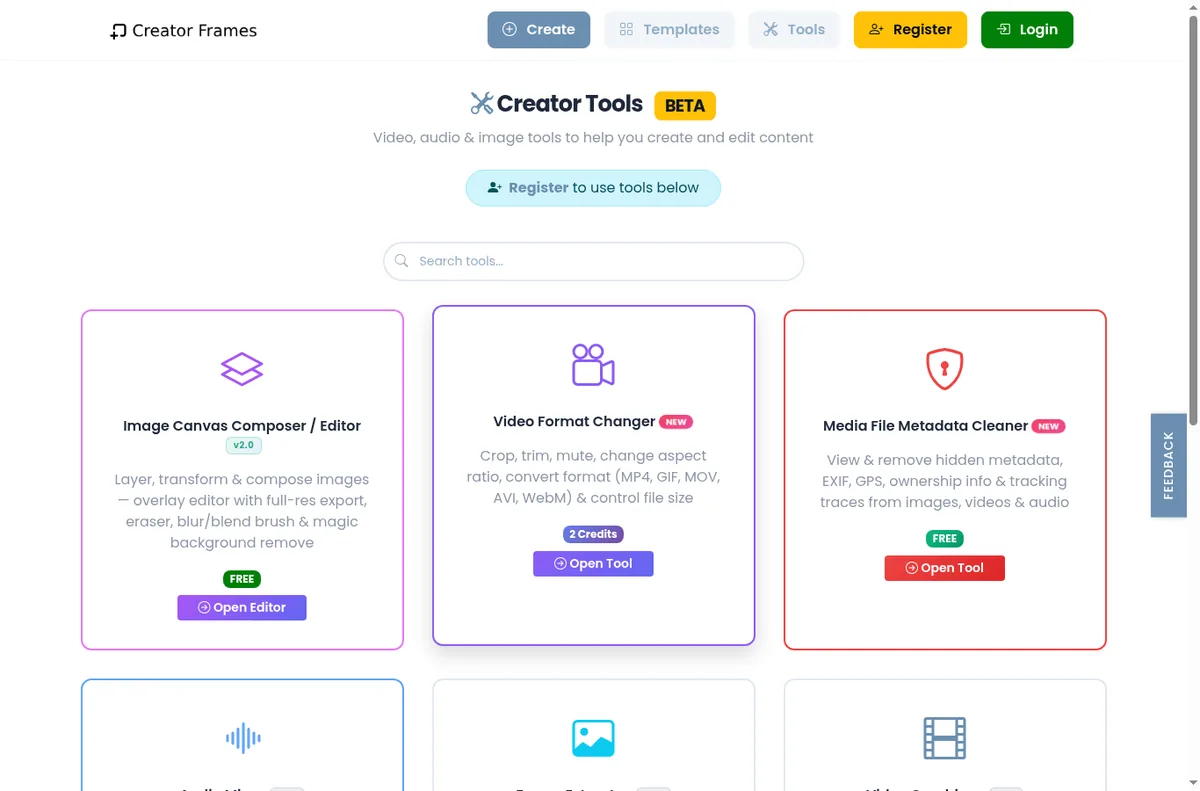
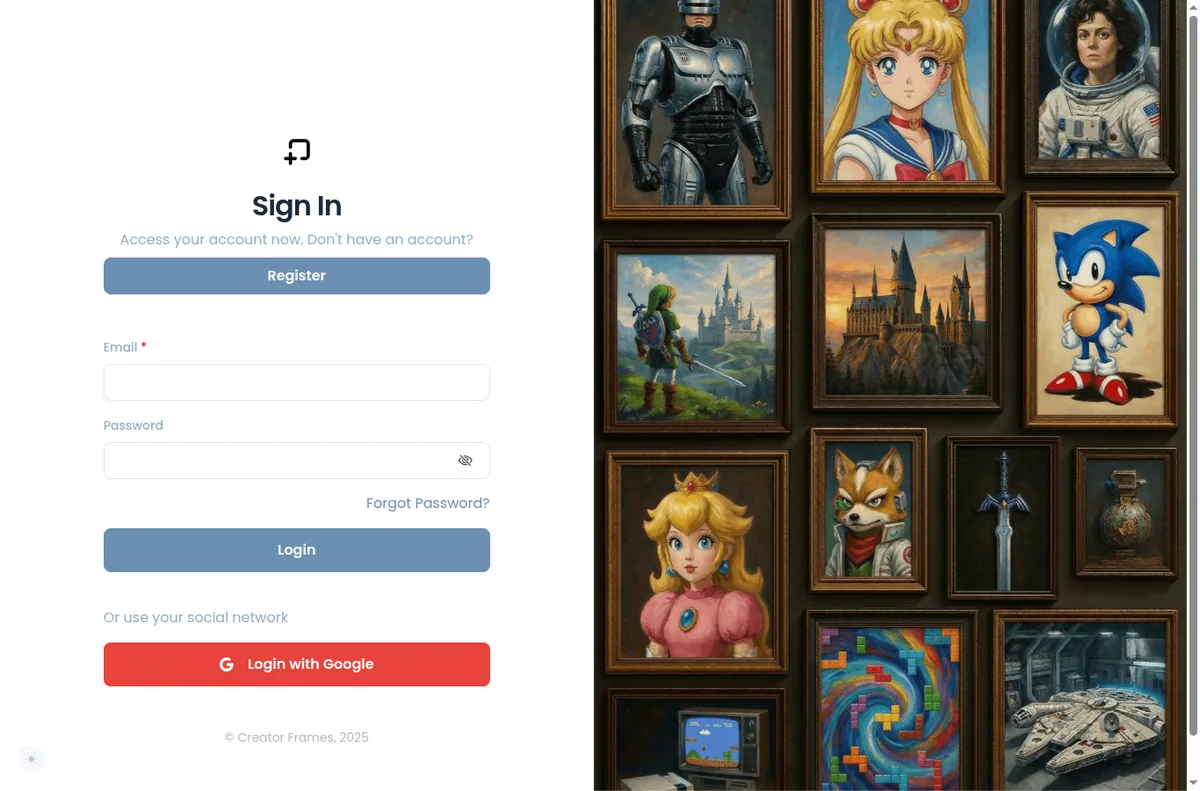
The Tools page shows a banner that says “Register to use tools below.” The Image Canvas Composer card is marked FREE, and its Open Editor button took us straight into the editor without an account. The Media File Metadata Cleaner card is also marked FREE, but its Open Tool button sent us to the sign-in page.
What worked
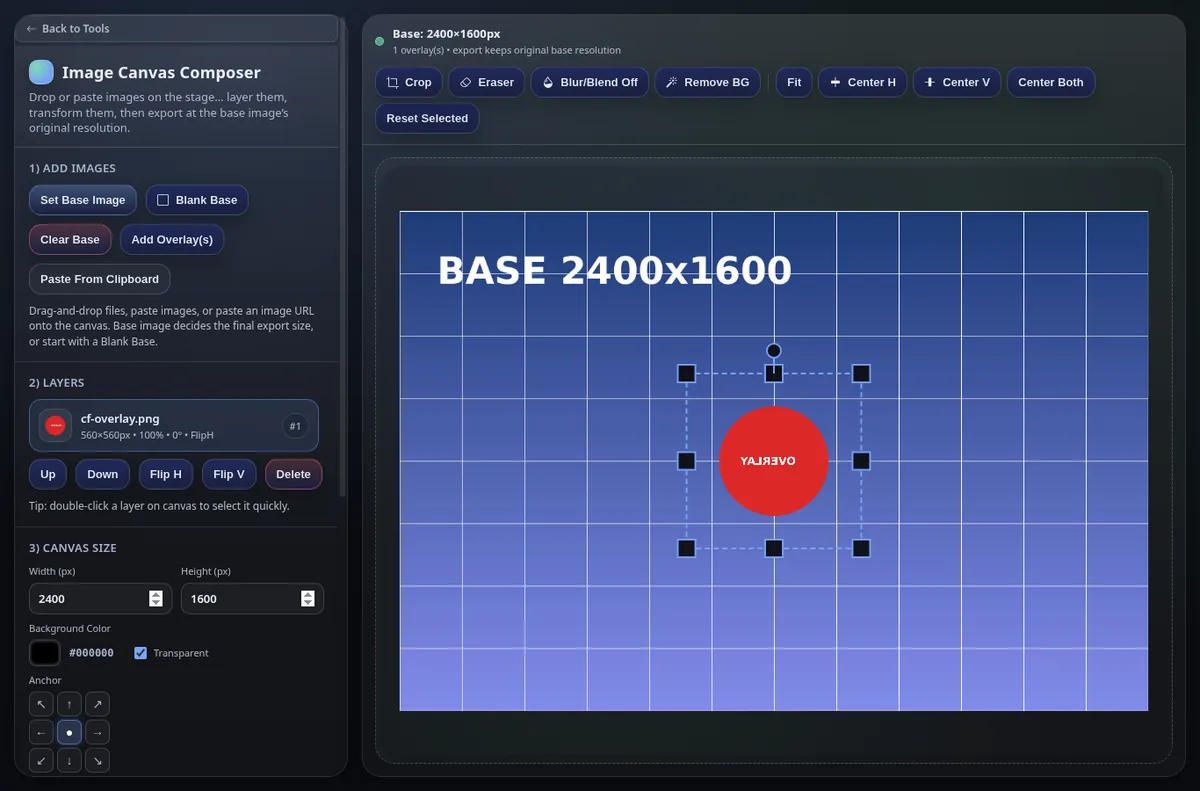
The base image loaded right away, and the header read “Base: 2400×1600px” and “export keeps original base resolution”, so it is clear from the start what size you will get back.
The overlay came in scaled down to 560 by 560 px to fit the canvas, which is a sensible default. Flip H worked, and the layer panel labelled the layer “FlipH” so you can see what has been applied.
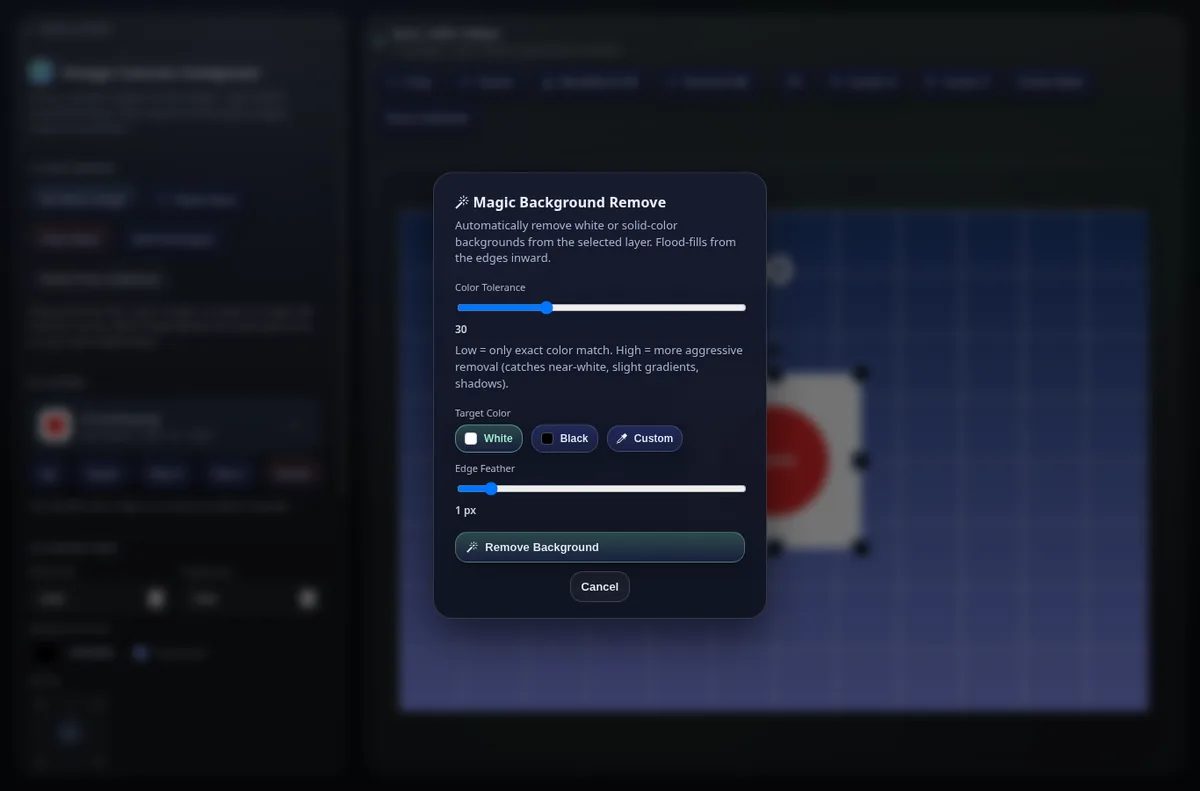
Magic Background Remove has clear controls: color tolerance (30 by default), a target color of white, black, or custom, and edge feather. With white selected, it removed the white square around our circle within a few seconds and left a clean edge.
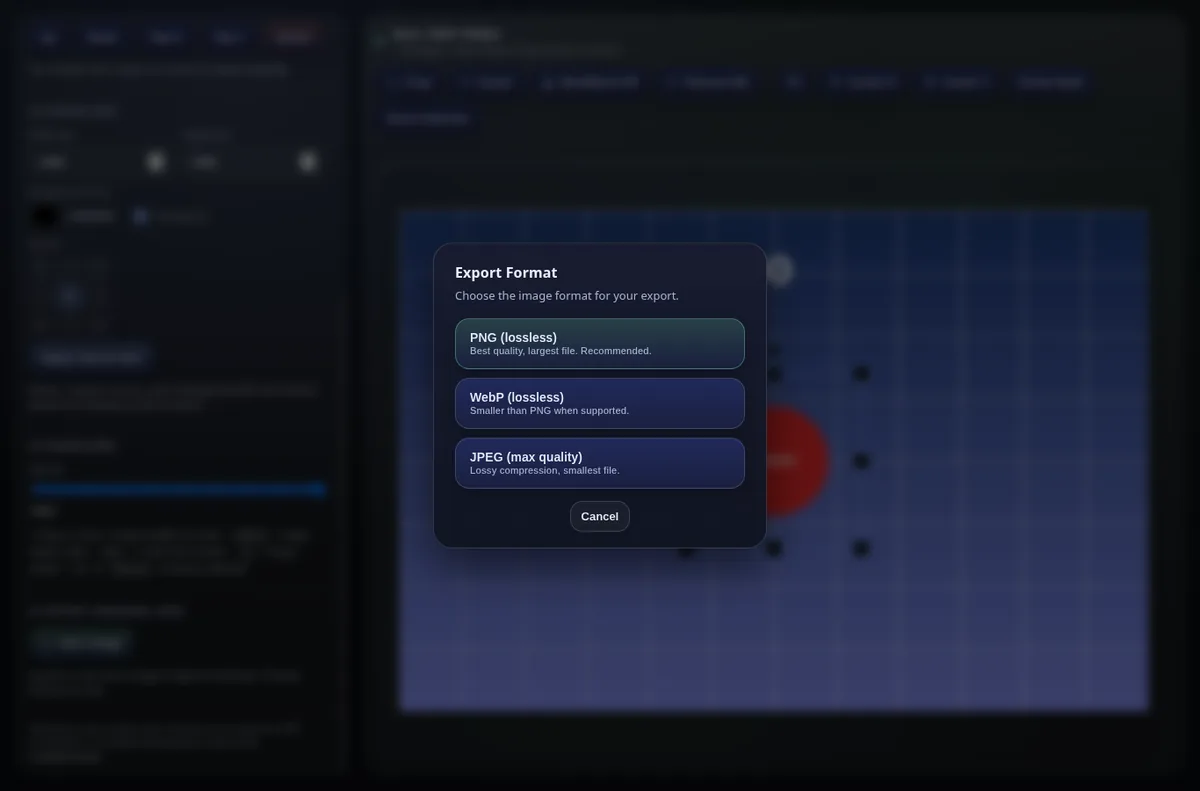
Save Image offers PNG (lossless), WebP (lossless), and JPEG (max quality). The PNG downloaded immediately at 2400 by 1600 px with transparency kept, at 358 KB.
On a phone
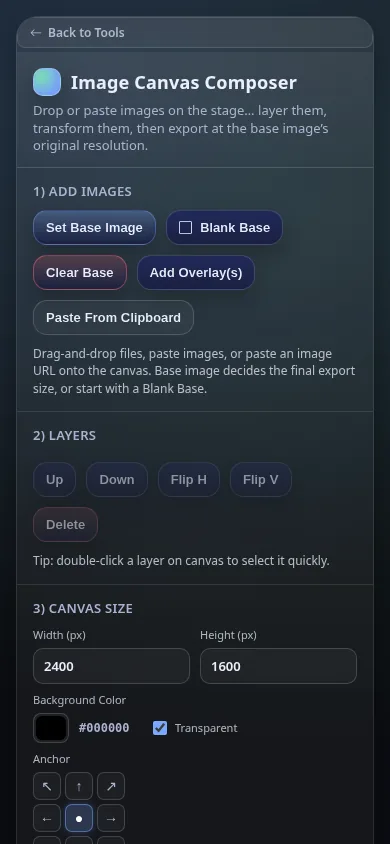
At 390 px wide there is no sideways scrolling. The controls stack into one column and the buttons are large enough to tap. The canvas sits below the controls, so on a phone you scroll down to see your work after each change.
What we would fix first
- Change the “Register to use tools below” banner so it does not scare people away from the editor, which works without an account.
- Either let the Metadata Cleaner run without an account or drop the FREE label until people have signed in.
- On small screens, put the canvas above the controls or add a button that jumps to it.
Who it is for
Anyone who needs to stack images, cut out a solid background, and export at full resolution without installing anything or making an account. It does not try to replace a full photo editor.
Want your own product tested like this? Send it in for a free review. See how we test and the other reviews.
Leave a Reply