Excalidraw is a free online whiteboard that draws everything in a hand-sketched style. You can use it with no account. A paid plan, Excalidraw+, is offered in the corner with a 14-day free trial. We tested the free app on November 5, 2026, in desktop Chrome and a phone-sized window. We have no relationship with Excalidraw.
How we tested
- Opened excalidraw.com with no account.
- Drew a box, an ellipse, and an arrow with keyboard shortcuts, and added text labels.
- Tried undo and redo.
- Exported a PNG.
- Reloaded the page to see if the drawing survived.
- Opened it on a 390 px wide screen.
What worked
The app was ready in about four seconds. The single-letter shortcuts work as soon as the page loads: R for a rectangle, O for an ellipse, A for an arrow, T for text. We drew a small flow (“Signup form” pointing to “Dashboard”) in under a minute without opening a menu.
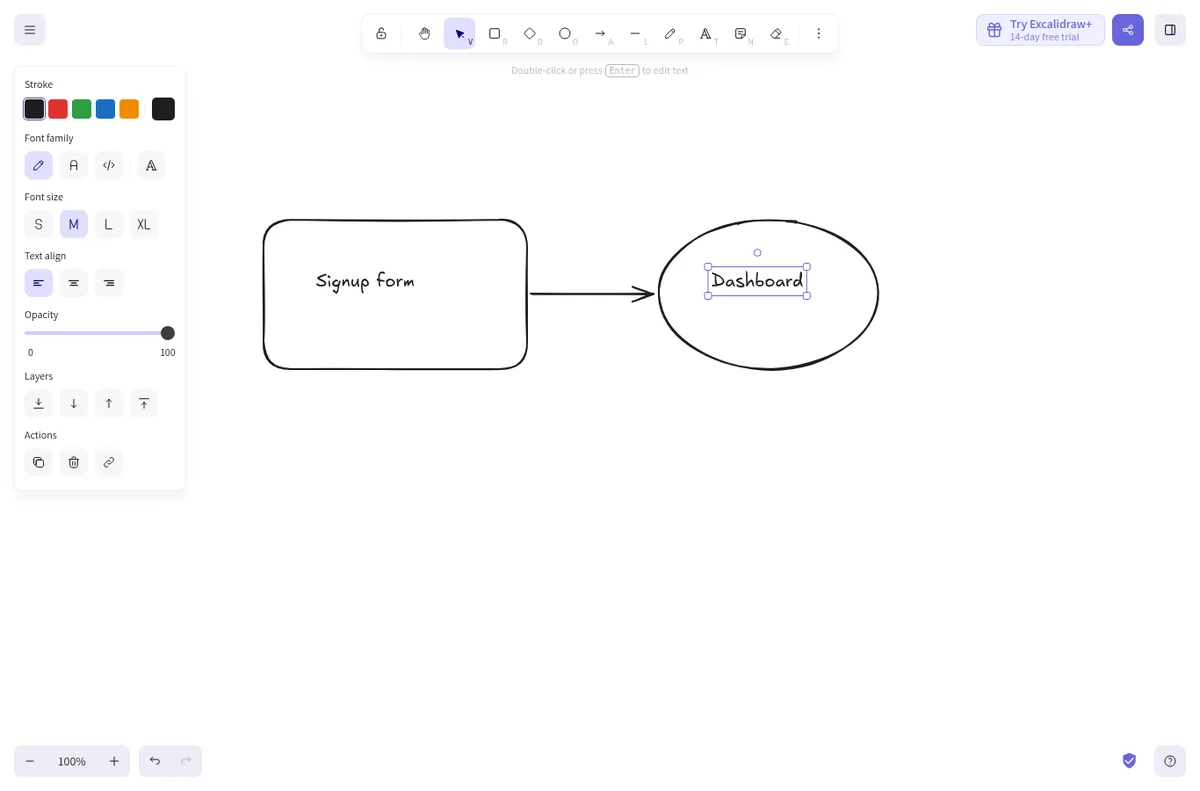
Undo and redo with Ctrl+Z and Ctrl+Shift+Z behaved as expected. After a full page reload the drawing was still there, saved in the browser. The start screen on mobile says this plainly: drawings live in browser storage, which can be cleared, so save to a file regularly.
The export trap
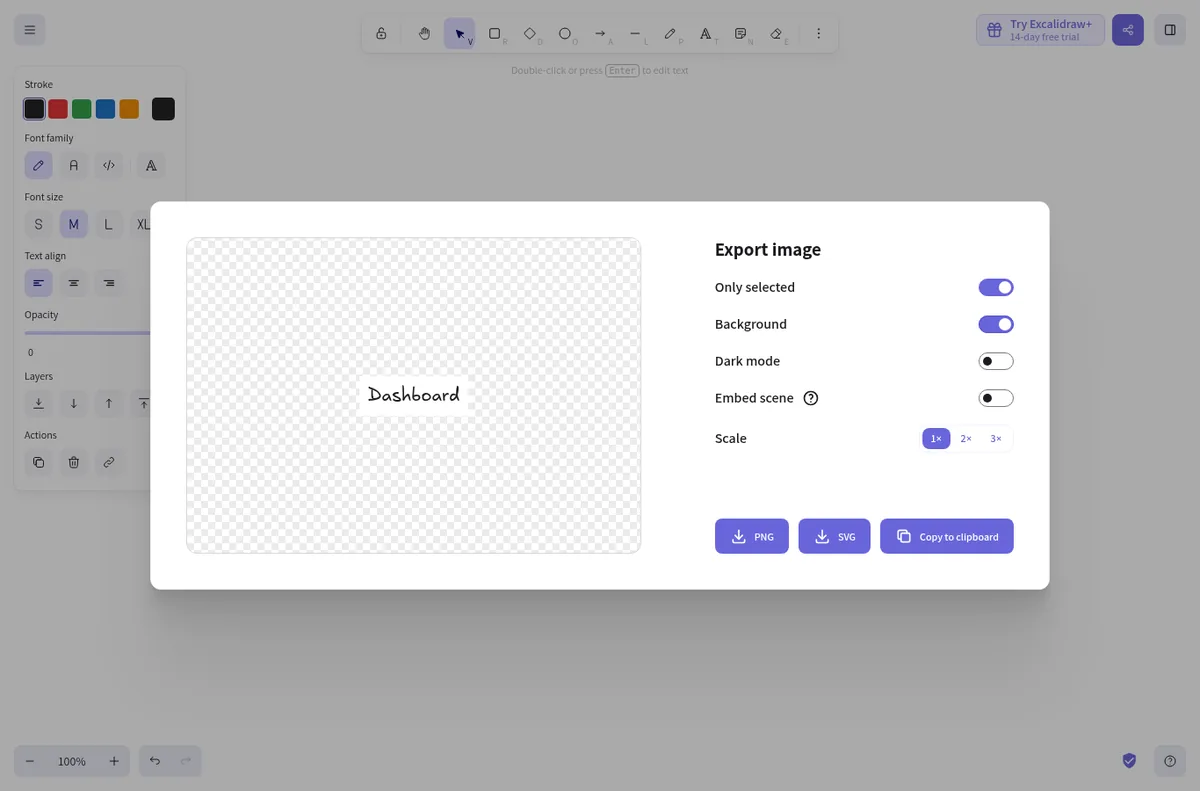
The export dialog (Ctrl+Shift+E) has switches for Only selected, Background, Dark mode, Embed scene, and a 1x, 2x, or 3x scale. When we opened it while the “Dashboard” label was still selected, Only selected was already on and the preview showed just that one label. It is easy to export a fragment of your drawing without noticing.
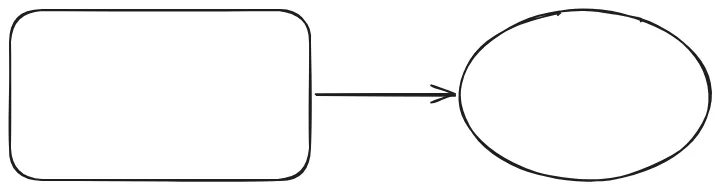
With nothing selected, the PNG at 1x came out 720 by 190 px and 19 KB, cropped tight around the shapes.
On a phone
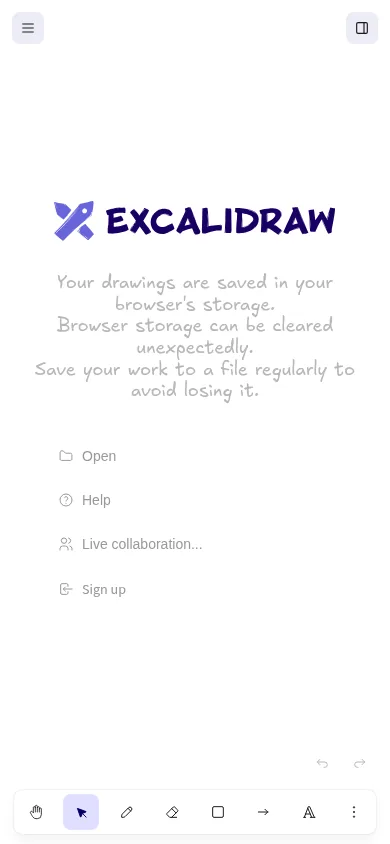
At 390 px wide the tools move to a bar along the bottom of the screen and the canvas fills the rest. The start screen gives four options: Open, Help, Live collaboration, and Sign up.
What we did not test
We did not try live collaboration or the paid Excalidraw+ plan. Starting a live session creates a shareable link, and we kept this test to things one person can do alone.
What we would fix first
- Turn Only selected off by default when the export dialog opens, or show a short note when it is on.
- Put a visible save-to-file reminder in the main menu, not only on the start screen.
Who it is for
Anyone who wants to sketch a flow, a wireframe, or a quick diagram without an account. It is fast to start and stays out of the way. Just check the export settings before you share the file.
Want your own product tested like this? Send it in for a free review. See how we test and the other reviews.
Leave a Reply