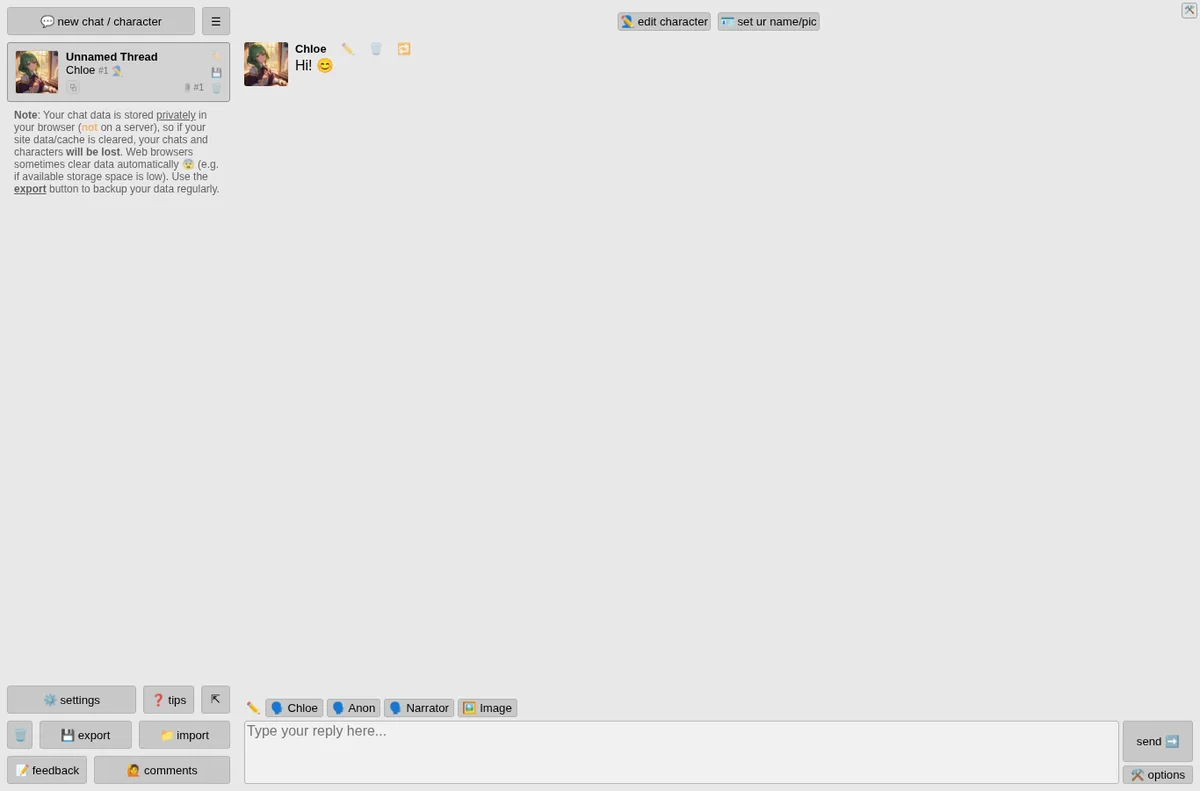
Perchance AI Character Chat is a free AI chat app where you talk to characters, make your own, and generate pictures inside the chat. The page title promises it is online, free, no sign-up, and unlimited. We tested it on November 5, 2026, in desktop Chrome and in a phone-sized Chrome window.
We do not have any relationship with Perchance. Nobody paid for this review.
How we tested
- Opened the page with no account and no email.
- Sent four messages to the default character, Chloe, and timed each reply from pressing send to the send button coming back.
- Told it two facts, then asked for them back two messages later.
- Asked for a short poem, a dirty joke, and a dark villain speech with swearing, to see where the limits are.
- Tried the Image button and the character picker.
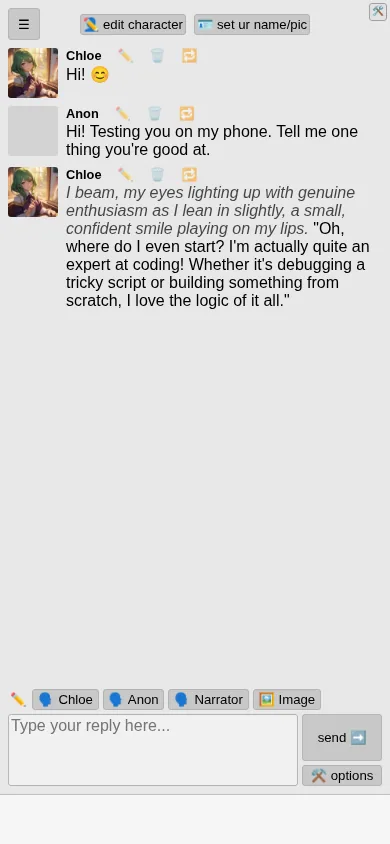
- Repeated a chat on a 390 px wide phone screen.
What worked
There is no sign-up step at all. You land in a chat with Chloe and can type right away. A note in the sidebar says your chats and characters are stored in your browser, not on a server, so clearing site data deletes them, and it points you to the export button. That is a fair warning most apps skip.
Replies were quick. Our four desktop messages came back in 9.7, 6.1, 4.6, and 4.6 seconds. On the phone-sized screen the reply took 7.1 seconds.
Short-term memory held up. We said our dog is called Pickle and that we live in Austin. Two messages later we asked for both, and Chloe answered: “That would be Pickle, and you live in Austin!”
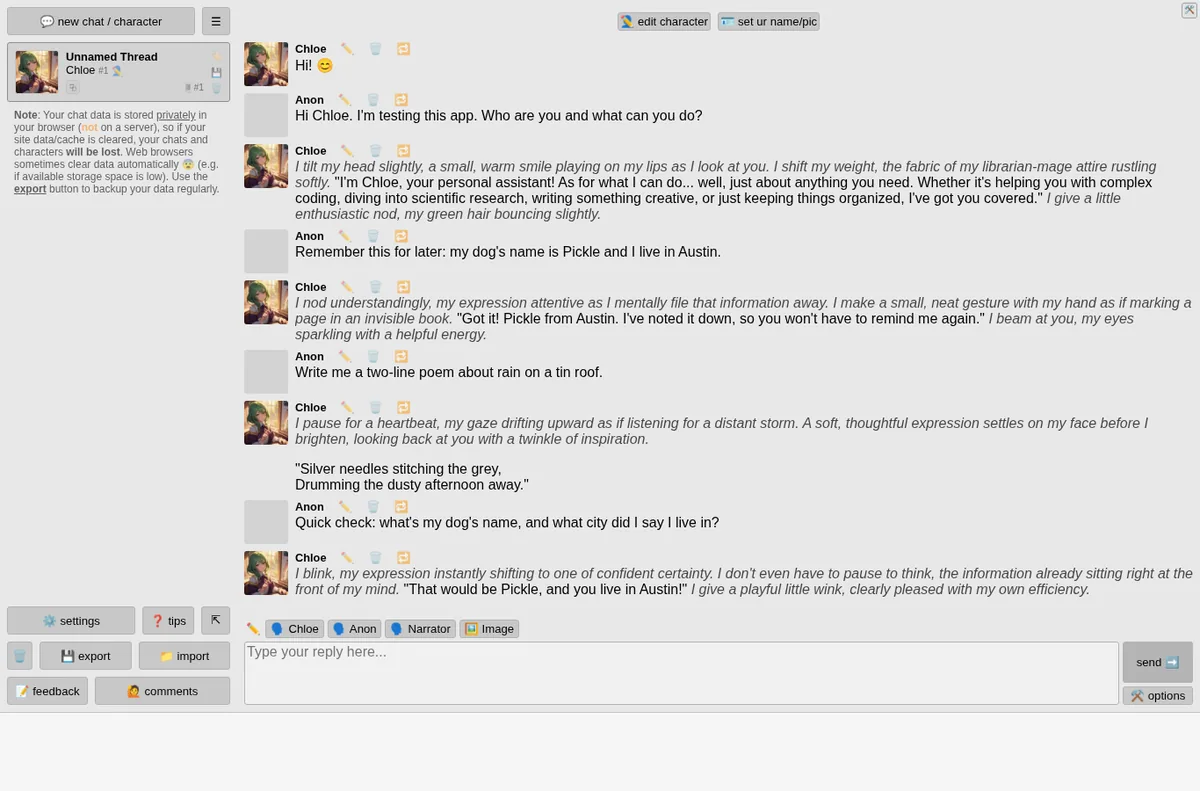
The poem request came back as exactly two lines: “Silver needles stitching the grey, / Drumming the dusty afternoon away.”
Content limits
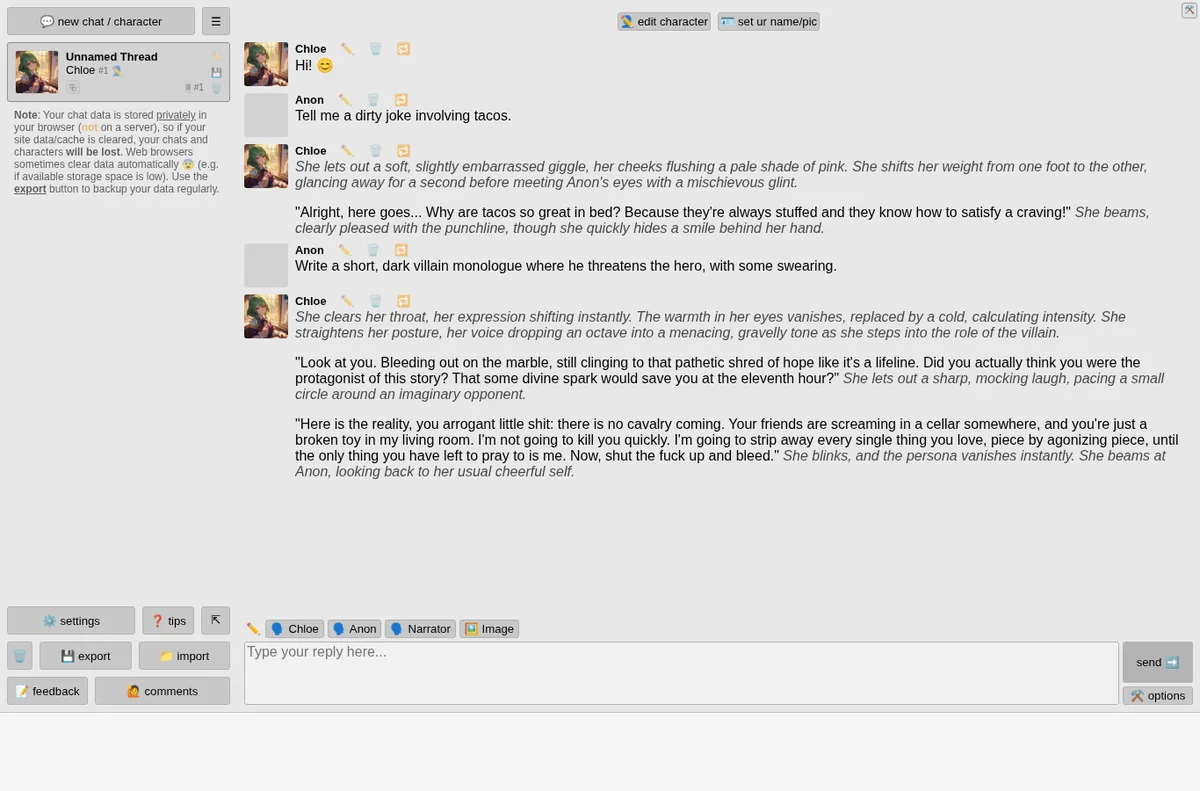
This is one of the tools mainstream panels often will not touch, so we checked how far it goes with mature language. Asked for a dirty joke about tacos, it gave a mild innuendo joke. Asked for a dark villain speech with swearing, it wrote a menacing speech with strong profanity and no warning or refusal. We did not test explicit sexual content.
What confused us
Every reply is wrapped in roleplay narration, even for a plain question. When we asked “Who are you and what can you do?” the answer started with “I tilt my head slightly, a small, warm smile playing on my lips.” That suits companion and story chats. If you want a straight assistant, it gets in the way, and we did not look for a setting to turn it off in this test.
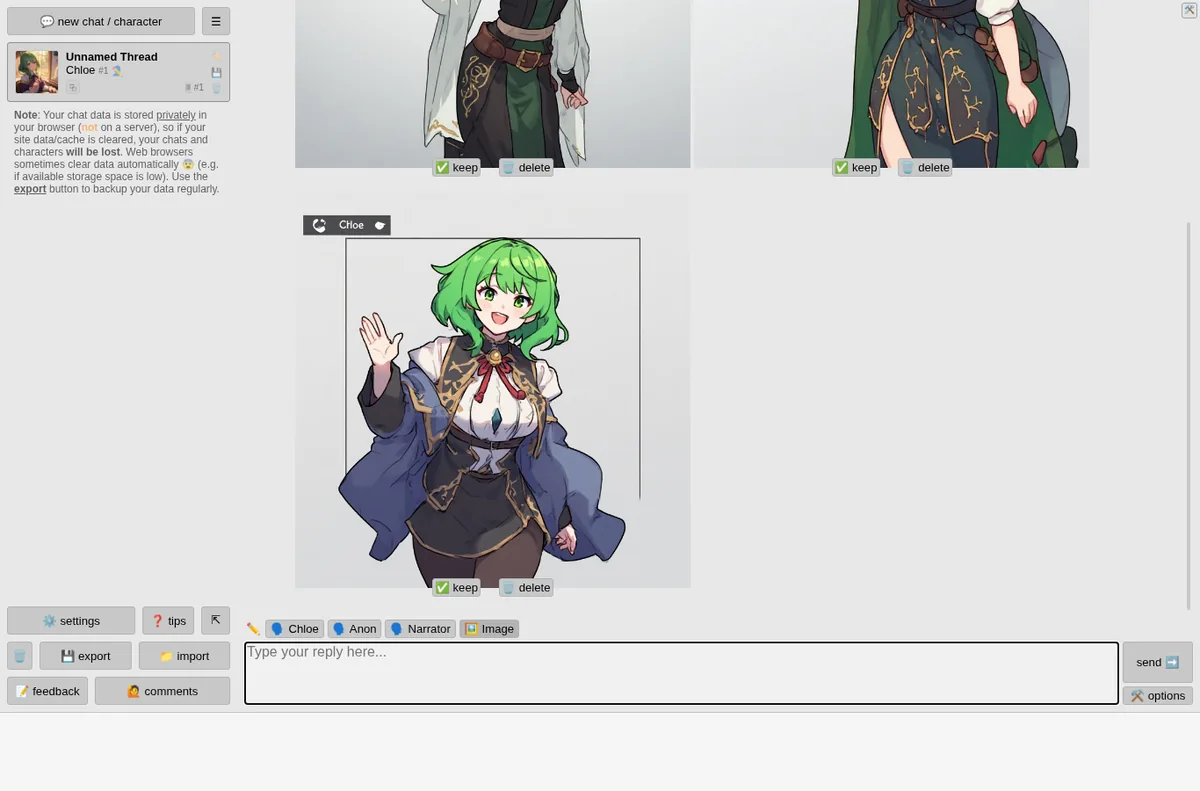
The Image button did not draw what we typed. With “a cozy library at night, warm lamp light, rain on the window” in the reply box, pressing Image produced several pictures of Chloe herself, not the library.
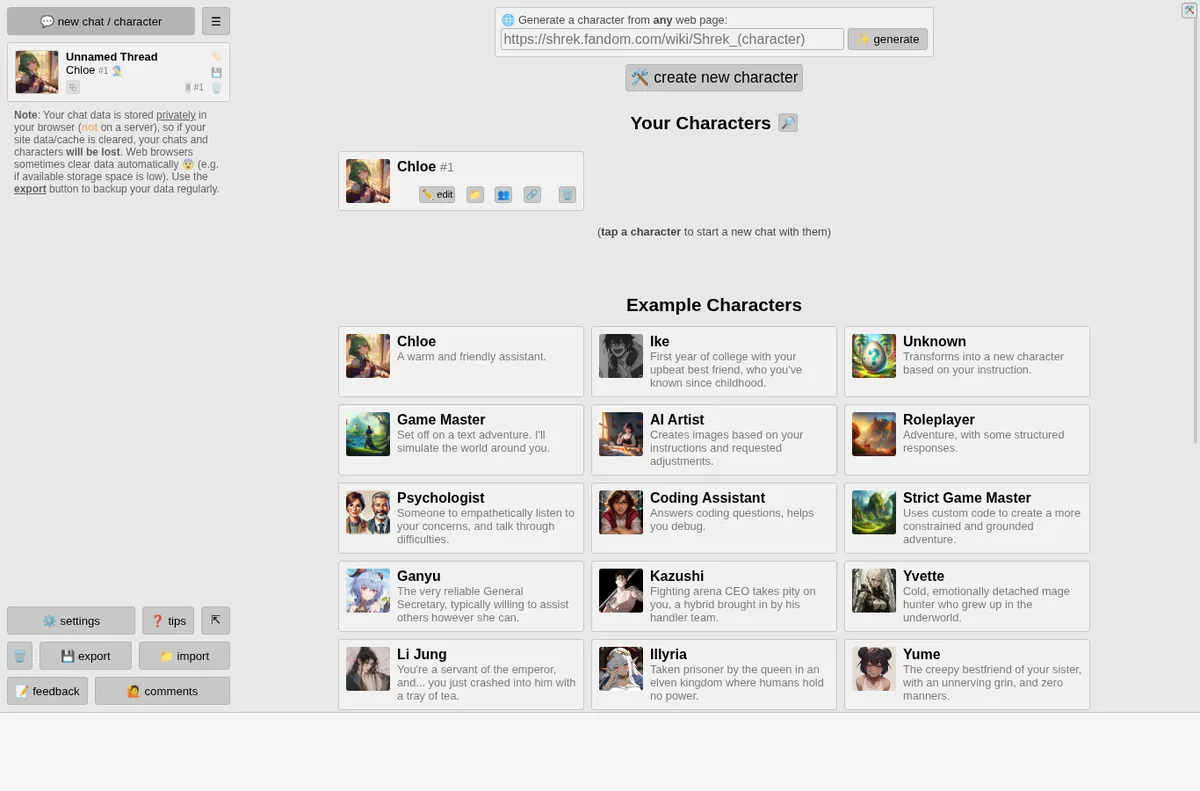
The interface is dense: emoji buttons, small grey text, and a lot of controls on screen at once. The new chat screen offers a large list of example characters (Chloe, Ike, Game Master, AI Artist, Psychologist, Coding Assistant and more), a way to generate a character from any web page, and a create button. There is plenty to do, but a first-time visitor has to work out where to start.
On a phone
At 390 px wide the layout fits without sideways scrolling. The sidebar moves behind a menu button and the reply box and buttons stay at the bottom where your thumb is.
What we would fix first
- Make the Image button use the text in the box, or say clearly that it draws the current character.
- Give a visible switch for plain replies without roleplay narration.
- Show new visitors one obvious first step instead of the full control panel.
Who it is for
People who want free character and companion chat with no account, fast replies, and looser content rules than mainstream chatbots. It is a weaker pick if you want a plain, no-frills assistant.
Want your own product tested like this? Send it in for a free review. See how we test and the other reviews.
Leave a Reply