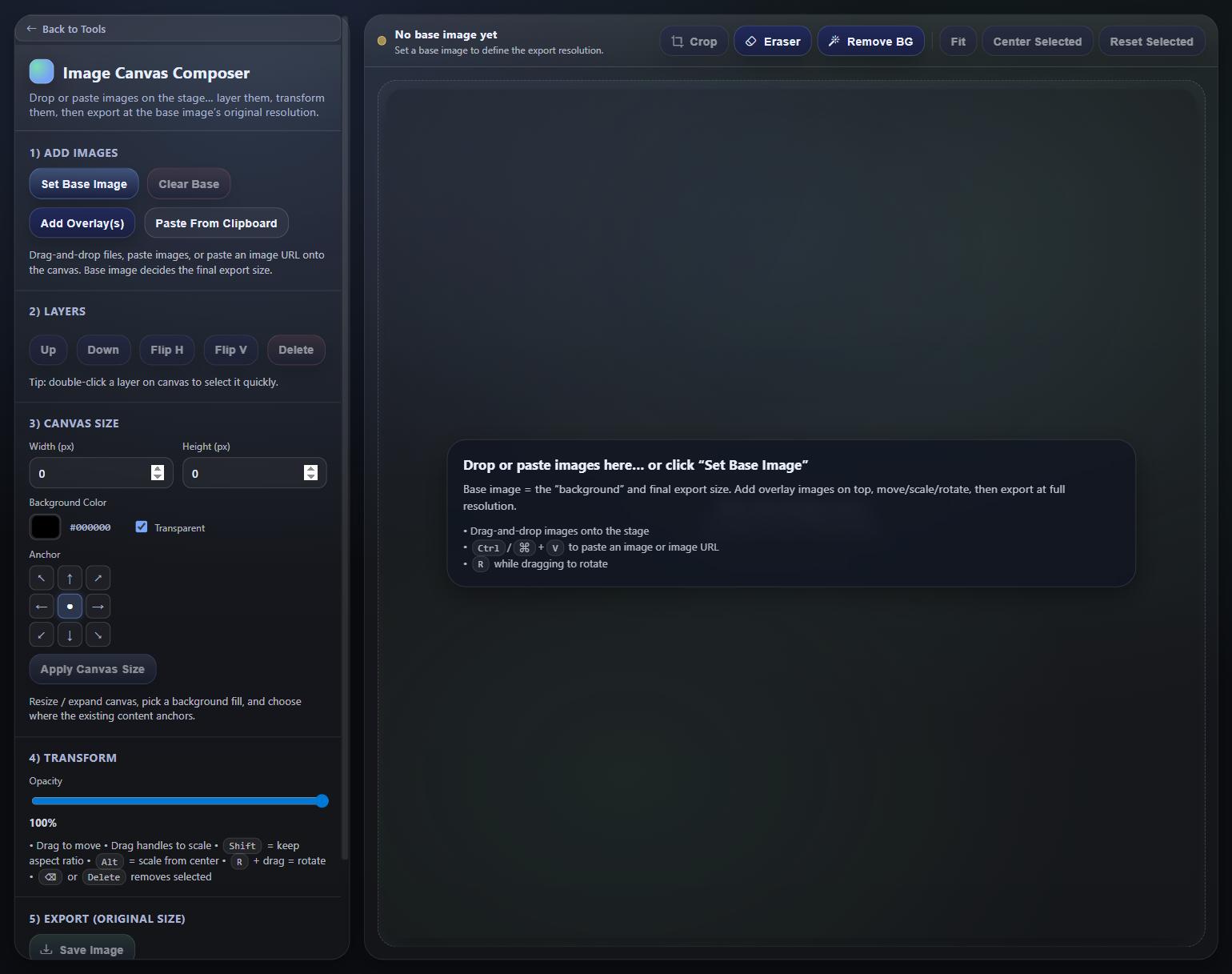
If you’ve ever tried to edit images online, chances are you’ve run into Photopea — the browser-based photo editor that packs in a ton of tools. But let’s be honest: Photopea can be painfully slow and laggy, especially on complex projects. That’s exactly why CreatorFrames’ new Image Canvas Composer/Editor is turning heads.
What Is the CreatorFrames Canvas Editor?
The Image Canvas Composer/Editor is a brand-new tool available on CreatorFrames, and it’s completely free to use. It’s a browser-based canvas editor that lets you layer, transform, and compose images right in your browser — with full-resolution export and zero cost.
Why It Beats Photopea
Photopea has long been the go-to free online photo editor, but it comes with a major drawback: performance. As your project grows with more layers and assets, Photopea tends to slow down significantly, making even simple edits frustrating. The CreatorFrames canvas editor, on the other hand, runs smoothly without the lag — even with multiple overlays and transformations applied.
And the best part? It offers the same essential tools you’d expect from a full-featured image editor: layering, cropping, erasing, background removal, flipping, scaling, rotating, and high-res exporting. Everything you need, without the sluggishness.
Key Features at a Glance
- Layer & overlay images on a canvas
- Crop, flip, and transform with ease
- Built-in Eraser and Remove Background tools
- Custom canvas size with background color or transparency
- Export at full original resolution — for free
- No sign-up required, no watermarks, no lag
Try It for Free
Ready to ditch the lag and start editing smarter? Head over to the CreatorFrames Image Canvas Composer/Editor and try it out for yourself — it’s completely free!
Leave a Reply